> ## Documentation Index
> Fetch the complete documentation index at: https://docs.sqstack.com/docs/llms.txt
> Use this file to discover all available pages before exploring further.
# 会員ランクアップポイント・クーポンを付与する
## 会員ランクアップの際の特典としてポイントやクーポンを付与する方法
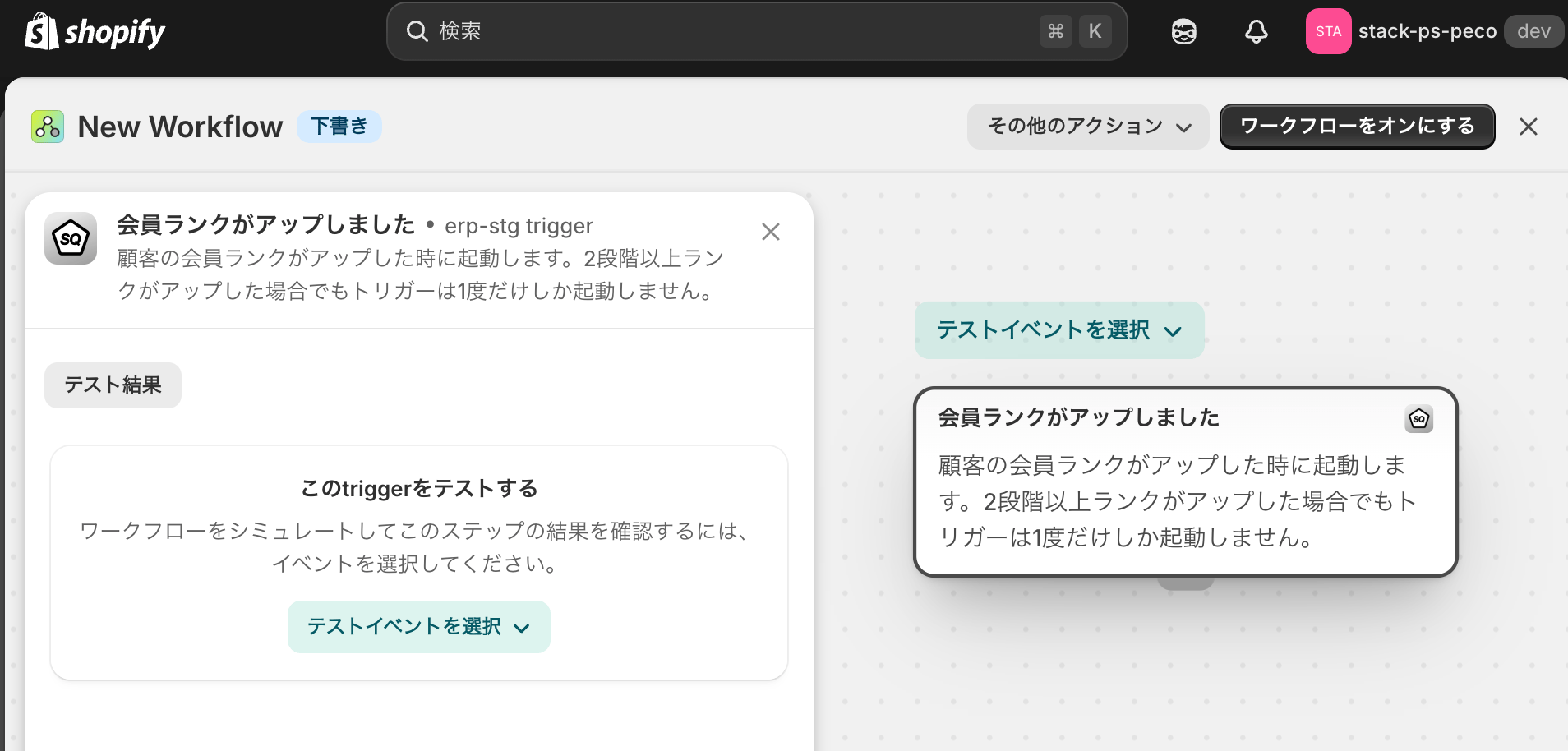
1. Shopify FlowのSQ内トリガーから「会員ランクがアップしました」を選択
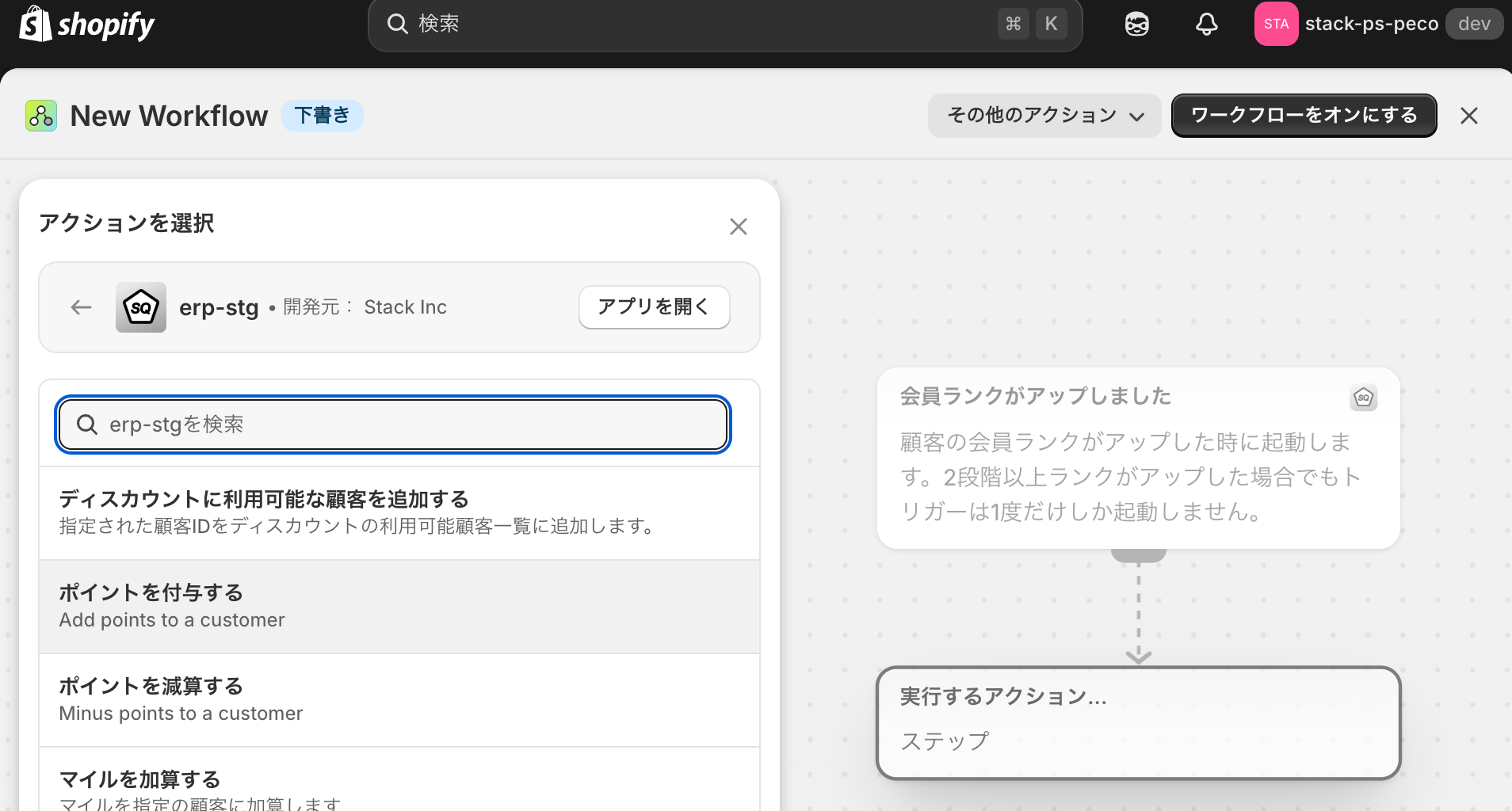
2. SQのアクションから、【ポイントを付与する】を選択
3. ポイント付与のお知らせを配信するアクションを追加
 1. あらかじめランクアップ特典のクーポンを作成しておく
2. Shopify FlowのSQ内トリガーから「会員ランクがアップしました」を選択
3. Shopifyのアクションから、「メールを送信する」・「SNSで配信する」などを選択
4. 2の配信内容に、クーポンを記載する
1. あらかじめランクアップ特典のクーポンを作成しておく
2. Shopify FlowのSQ内トリガーから「会員ランクがアップしました」を選択
3. Shopifyのアクションから、「メールを送信する」・「SNSで配信する」などを選択
4. 2の配信内容に、クーポンを記載する